Breaking News



Enter your email address below and subscribe to our newsletter
All voices matter
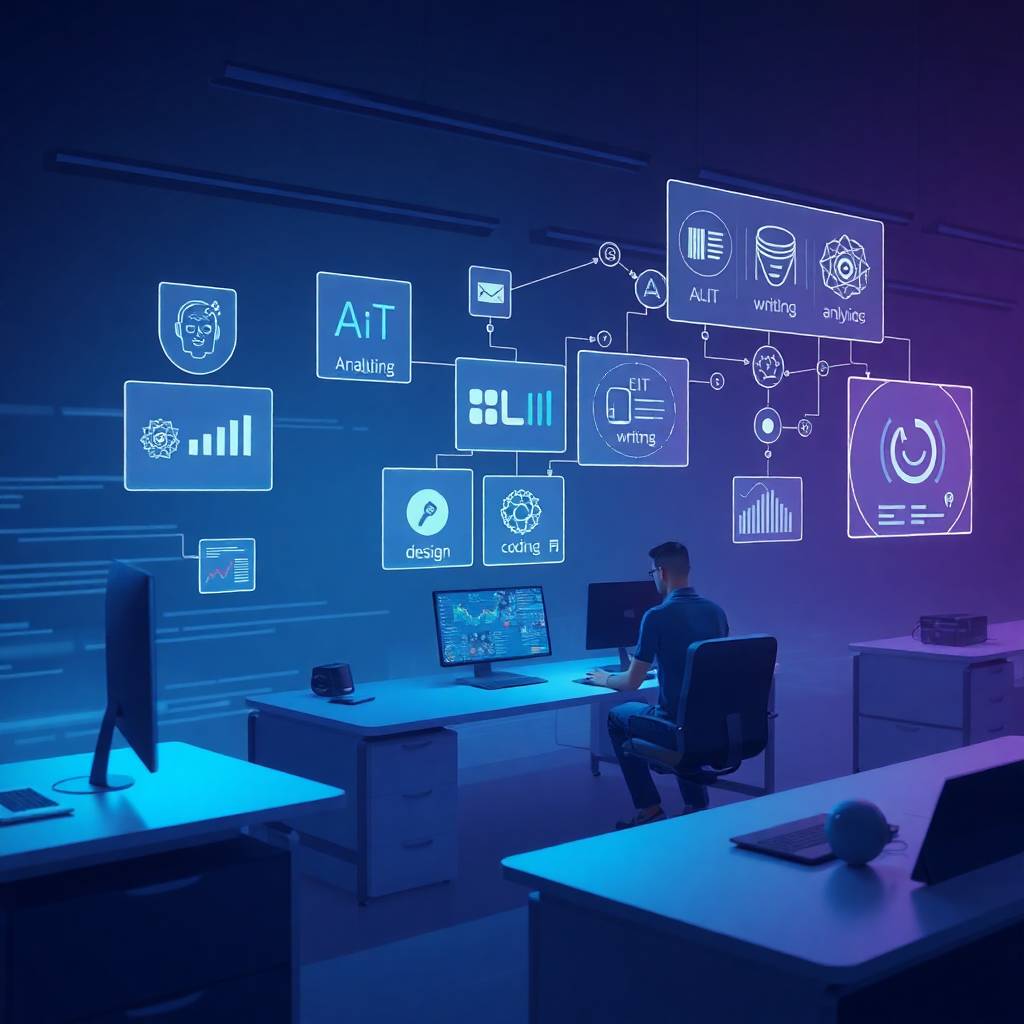
AI automation is no longer limited to isolated tasks. It now reshapes entire daily workflows, quietly handling communication, planning, execution, and reporting across modern digital work environments.
🔗 https://www.microsoft.com/copilot
AI now drafts, summarizes, prioritizes, and responds to emails automatically. Instead of inbox overload, users receive suggested replies and smart summaries. This reduces time spent reading and composing messages, turning email into a background process rather than a daily distraction.
🔗 https://reclaim.ai
AI tools manage calendars, schedule meetings, and protect focus time automatically. Manual back-and-forth emails disappear. Over time, this automation improves productivity by ensuring meetings don’t interrupt deep work or overlap unnecessarily.
🔗 https://fireflies.ai
AI records meetings, transcribes discussions, and extracts action items instantly. This removes the need for manual note-taking and follow-up summaries. Teams can focus on conversation while documentation happens silently in the background.
🔗 https://www.usemotion.com
AI-driven planners now organize tasks based on deadlines, workload, and priorities. Instead of manually planning each day, schedules update dynamically. This reduces decision fatigue and keeps work aligned with changing priorities.
🔗 https://chatgpt.com
AI accelerates research by summarizing articles, extracting insights, and answering complex questions quickly. Instead of reading multiple sources, users gain structured information in minutes, making research far more efficient and accessible.
🔗 https://www.notion.so
AI assists with drafting documents, refining language, and organizing content. Reports, proposals, and internal documents take less time to produce, while consistency and clarity improve across teams.
🔗 https://www.microsoft.com/copilot
AI analyzes spreadsheets, generates insights, and creates visual summaries automatically. Users spend less time writing formulas and more time interpreting results, shifting focus from mechanics to decision-making.
🔗 https://www.canva.com
AI simplifies design workflows by generating layouts, visuals, and copy suggestions. Presentations and marketing assets can be created quickly without switching between multiple creative tools.
🔗 https://zapier.com
AI-driven automation connects apps and handles repetitive actions automatically. Tasks like data syncing, notifications, and updates happen without manual intervention, reducing operational friction.
🔗 https://www.hubspot.com
AI generates performance reports, summaries, and insights automatically. Instead of manually compiling data, teams receive ready-to-use reports, allowing faster reviews and better decision-making.
AI automation is reshaping daily work by connecting tasks into seamless workflows. From communication to reporting, intelligent systems reduce manual effort and allow people to focus on higher-value work.